







How do I contact somebody if I have a question?
When you log into MyCatFinancial, there is a question mark in the top-right corner of each page. Simply click on this icon to access the Contact Us form and submit your question(s).

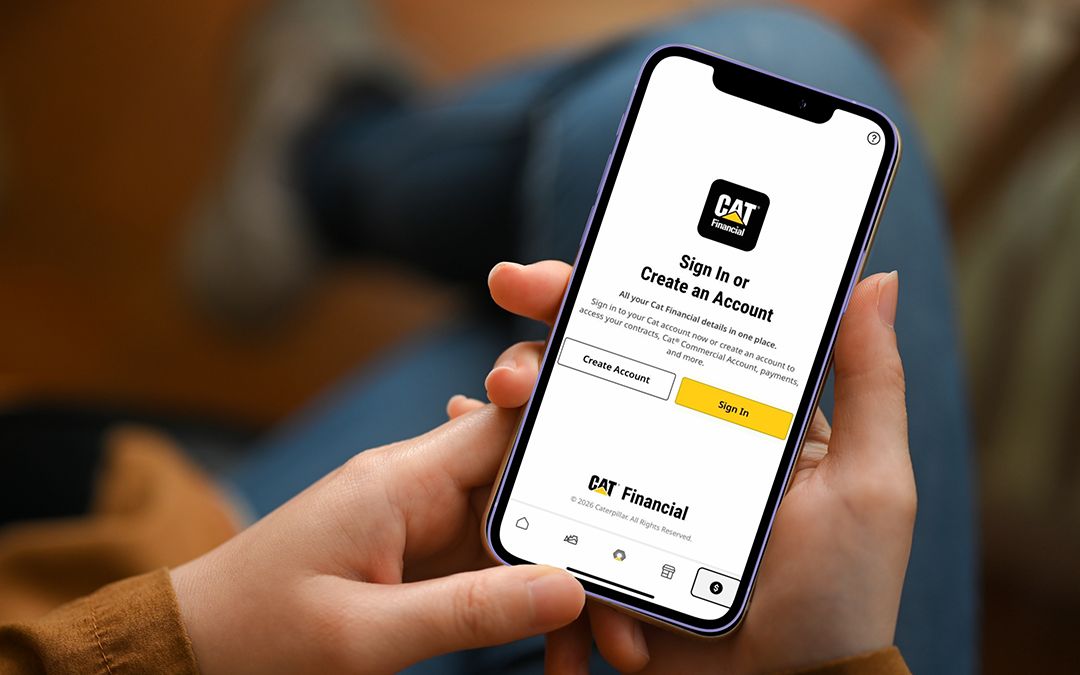
Streamline your workflow by managing your accounts on the go and on your schedule
Securely access important documents or communications
Centralize your interactions and view all your activity with Cat Financial in one place
When you log into MyCatFinancial, there is a question mark in the top-right corner of each page. Simply click on this icon to access the Contact Us form and submit your question(s).
Each MyCatFinancial account uses a single username and password to sign-on. However, contracts can be linked to multiple accounts, allowing different individuals to view the status of contracts.
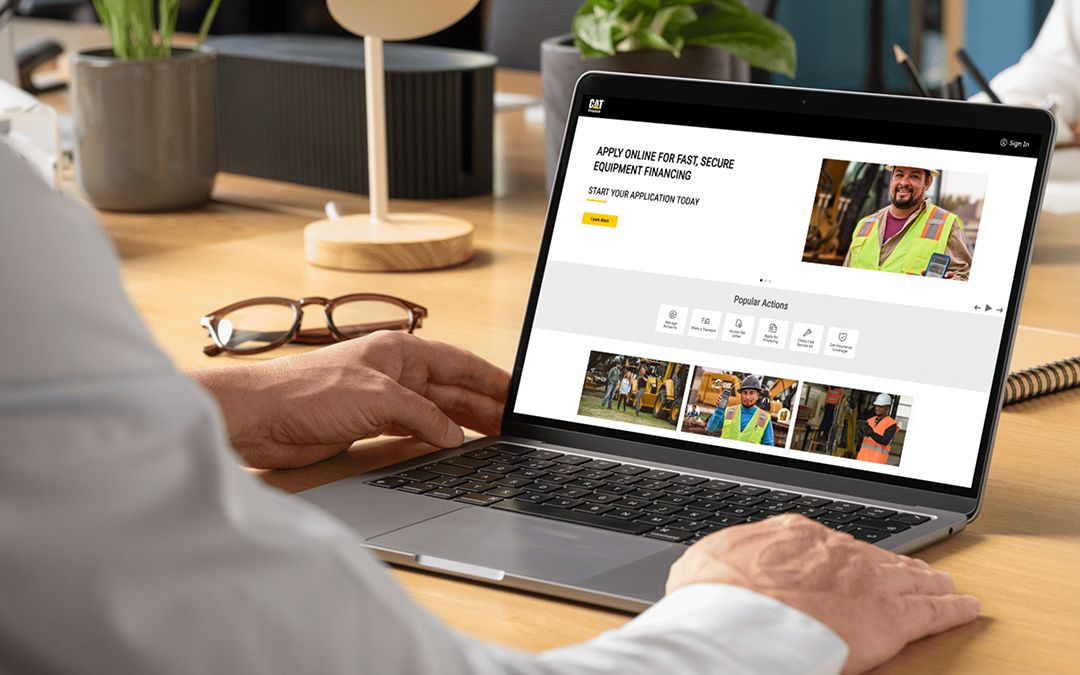
Yes, you can apply for equipment financing and a Cat® Commercial Account through MyCatFinancial. To apply for financing via MyCatFinancial, please click here or contact your local Cat Financial representative at 1-800-651-0567 or nabc.customerservice@cat.com, Monday - Friday, 7 a.m. - 6 p.m. (CST).
MyCatFinancial will email you to confirm account registration and send automated credit application alerts. You can adjust your notification preferences by clicking the person icon in the top-right corner of the homepage and selecting “Manage Notifications.”
Multi-Factor Authentication (MFA) is a simple, powerful security measure to help restrict access, allowing only you to access your account information and protecting your account against increasing online threats.
If you can’t access your account, use the self-service recovery tool or contact customer service to restore access. Once access is restored, reset your password.
 North America – English